
Their device. Your rules. No MDM standoff.
Corporate access from personal devices, governed at the session rather than by seizing the phone.
The BYOD dilemma
the plain answer
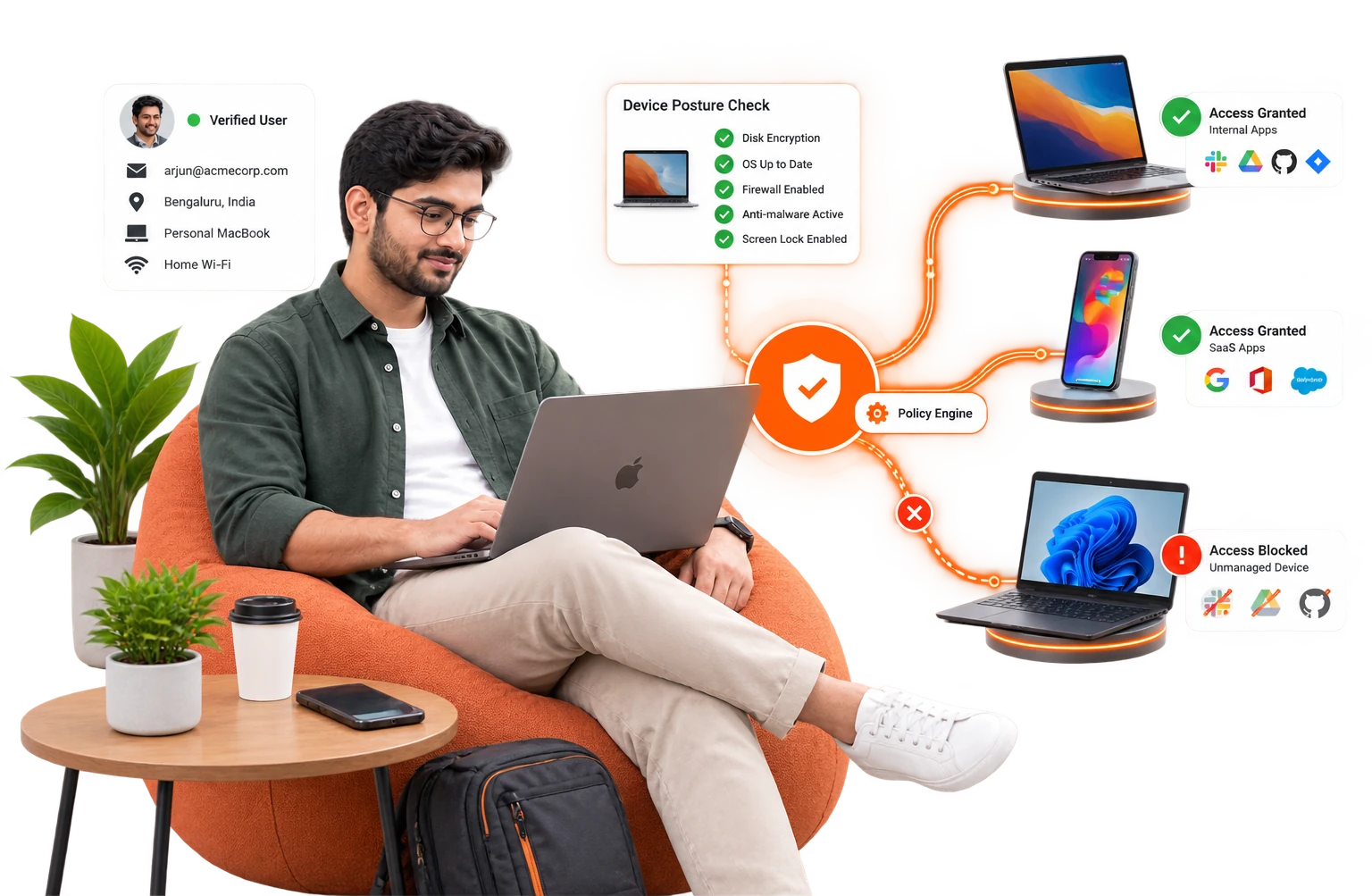
Employees will use personal devices; the only question is whether you have a policy for it or a blind spot. The classic enterprise answer, full MDM (mobile device management) enrolment, fails on human grounds: people reasonably refuse corporate control of a personal phone, and legal teams reasonably worry about wiping family photos. The classic ad-hoc answer, just let them log in, fails on security grounds: corporate data lands on ungoverned hardware. InstaSafe takes a third position, and it turns on where the control sits.
- Govern the session, not the device.Personal devices reach work through the clientless portal or the secure enterprise browser, and the rules live in that session rather than in the operating system.
- Data is used, never kept.Watermarking, clipboard policy and download rules mean the application renders on the device but leaves nothing behind when the tab closes.
- Nothing installed on personal property.No enrolment, no corporate agent on a personal phone, no wipe-my-phone anxiety, and no corporate files in the camera roll.
- The ERP screen, rendered live
- A ticket read and updated in the browser
- A payslip viewed, watermarked with the viewer's name
- A shift roster checked between deliveries
- No downloaded attachment
- No cached credential
- No copied text on the clipboard
- No corporate file in the camera roll
The control stack for BYOD.
- IDENTITY FIRSTFull MFA, 6 methods. A personal device makes strong identity more important, not less.
- CONTAINED DELIVERYClientless portal or secure enterprise browser: the application renders, the data does not persist locally.
- SESSION CONTROLSWatermark, clipboard policy and download policy, on by default for the BYOD group.
- CONTEXT LIMITSGeo and time conditions where they are appropriate, and single-device login to stop credential sprawl.
- GRADUATED TRUSTAn employee who volunteers for the agent can earn posture-checked, deeper access on their own device. It is opt-in, never imposed.
Their device. Your rules. No MDM standoff.
The device is unmanaged, so the identity has to be certain
Enrolling personal phones into MDM fails on human grounds; letting people just log in fails on security grounds. Govern the session instead — full MFA in front, and data that renders on the device but is never kept there.

arjun.m · contractor · personal phone

 Push approvalno enrolment
- promptwaiting
- challengewaiting
- verifiedwaiting
- device
- personal · unmanaged
- data
- stays in the session
- method
- push approval
nothing installed · nothing kept on the device
One device,two territories
What changes once the boundary is drawn around the session instead of around the hardware.
Governed, not hidden
The shadow-IT channel becomes a channel you can see and police.
Privacy fight avoided
No corporate agent is installed on personal property in the default path.
Clean offboarding
Nothing was stored on the device, so nothing needs wiping from it.
byod, answered.
Tap a question. If yours is not here, a specialist can answer it.
Talk to a specialist//Ready when you are//
Let personal devices in without a standoff.
No enrolment and no agent on personal property. Just a session that renders the work and keeps none of it.
Regulated, air-gapped, or on-premise? See deployment options