
Outside support reached the mail server, and nothing else.
A private-sector bank let third-party support teams work on its mail server from their own phones, without letting them onto the network it sits in.
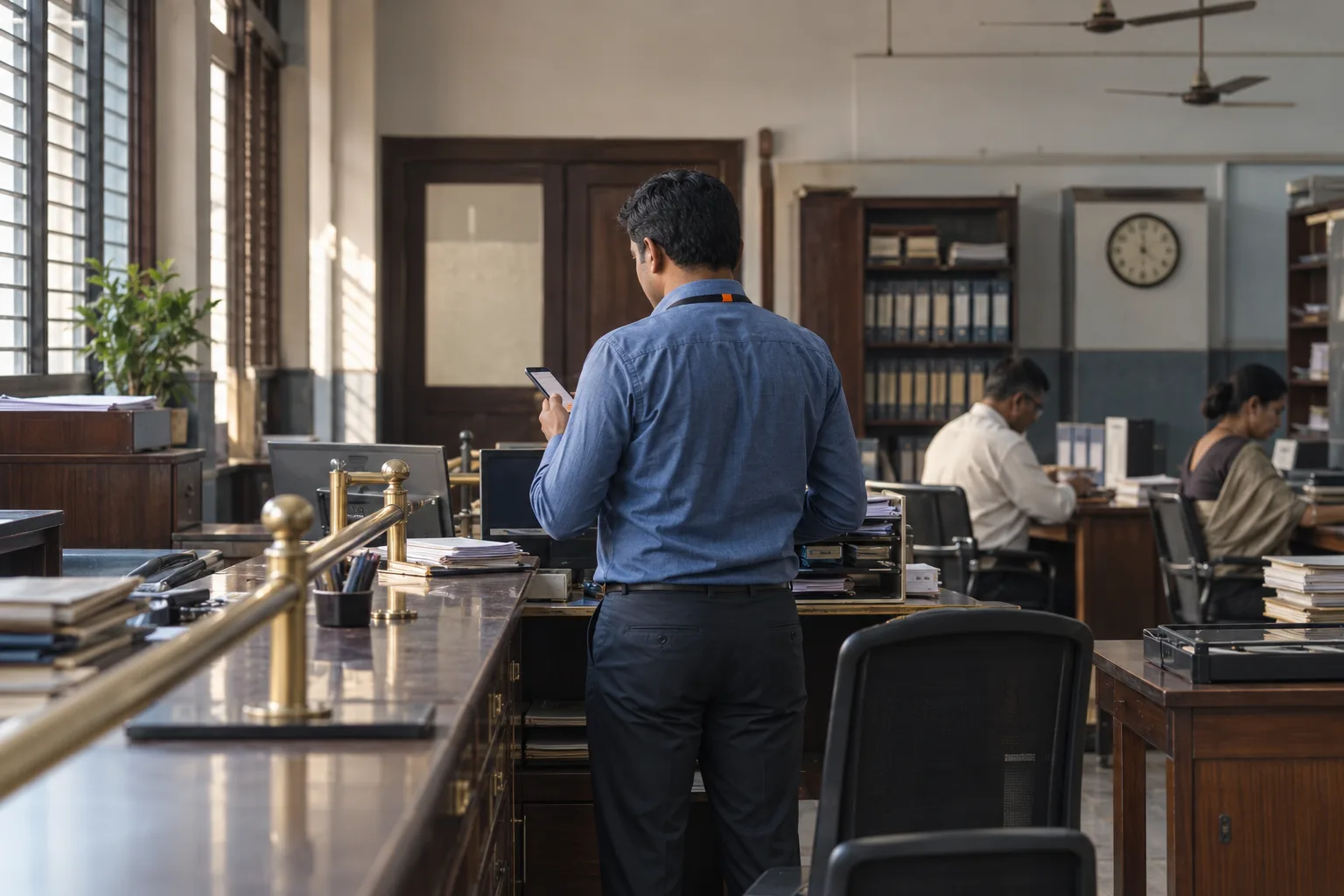
Where they started.
The customer is one of India's older private-sector banks, with branches across the north, west and south of the country and a presence in the subcontinent going back decades.
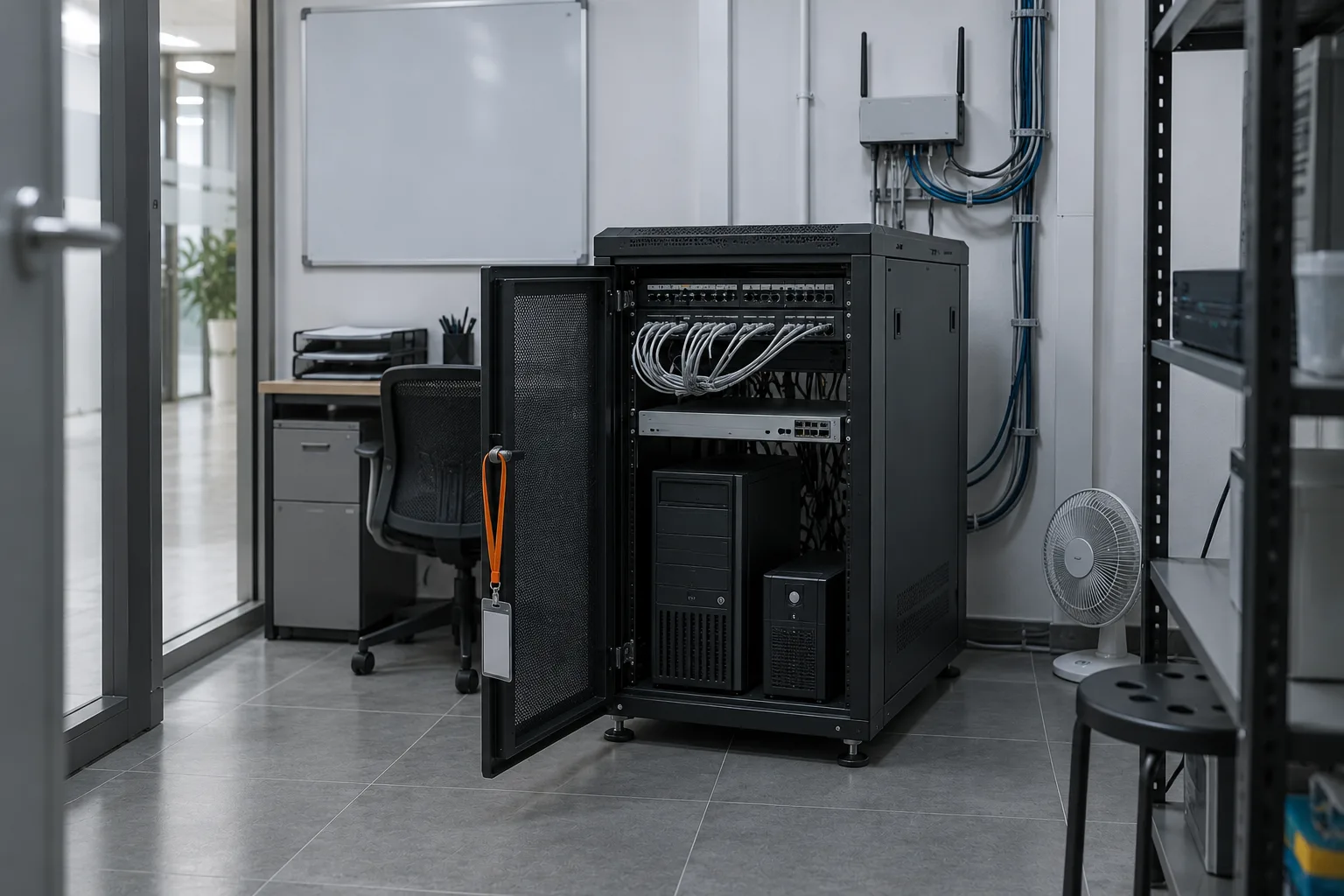
Its mail server runs on Linux, and the people who keep it running are not all employees. Support teams from outside the bank connected to it directly, often from their own Android and iOS phones, with nothing checking the device on the way in.
The bank wanted that access to survive an audit: restricted to devices it had authorised, visible in terms of what data left the server, and covered by the same device and system checks it already ran on company laptops.
What was in the way.
- Direct exposureThird-party support teams connected to the mail server straight from personal mobile devices, with no security control in between.
- Unknown devicesAccess needed to be limited to devices the bank had authorised, not simply to anyone holding a working password.
- No visibilityNobody could see what data moved from the mail server out to the end user.
- Mobile blind spotThe device and system checks that ran on laptops did not extend to Android and iOS at all.
What was put in place.
Each control below has its own page. If a row makes a claim, the link is where you check it.
- Posture on mobileDevice and system checks were switched on for Android and iOS, so a phone is judged before a session the same way a laptop is.More
- Authorised devicesThe mail server accepts sessions only from devices registered against a known user, so a working password on an unknown handset is not enough.More
- Need to knowThird-party users are granted the one application they were brought in for; the rest of the estate is not on their list and not reachable.More
- Published, not routedMail and remote-desktop access are published as applications over an encrypted session, instead of a tunnel that lands the user on the network.More
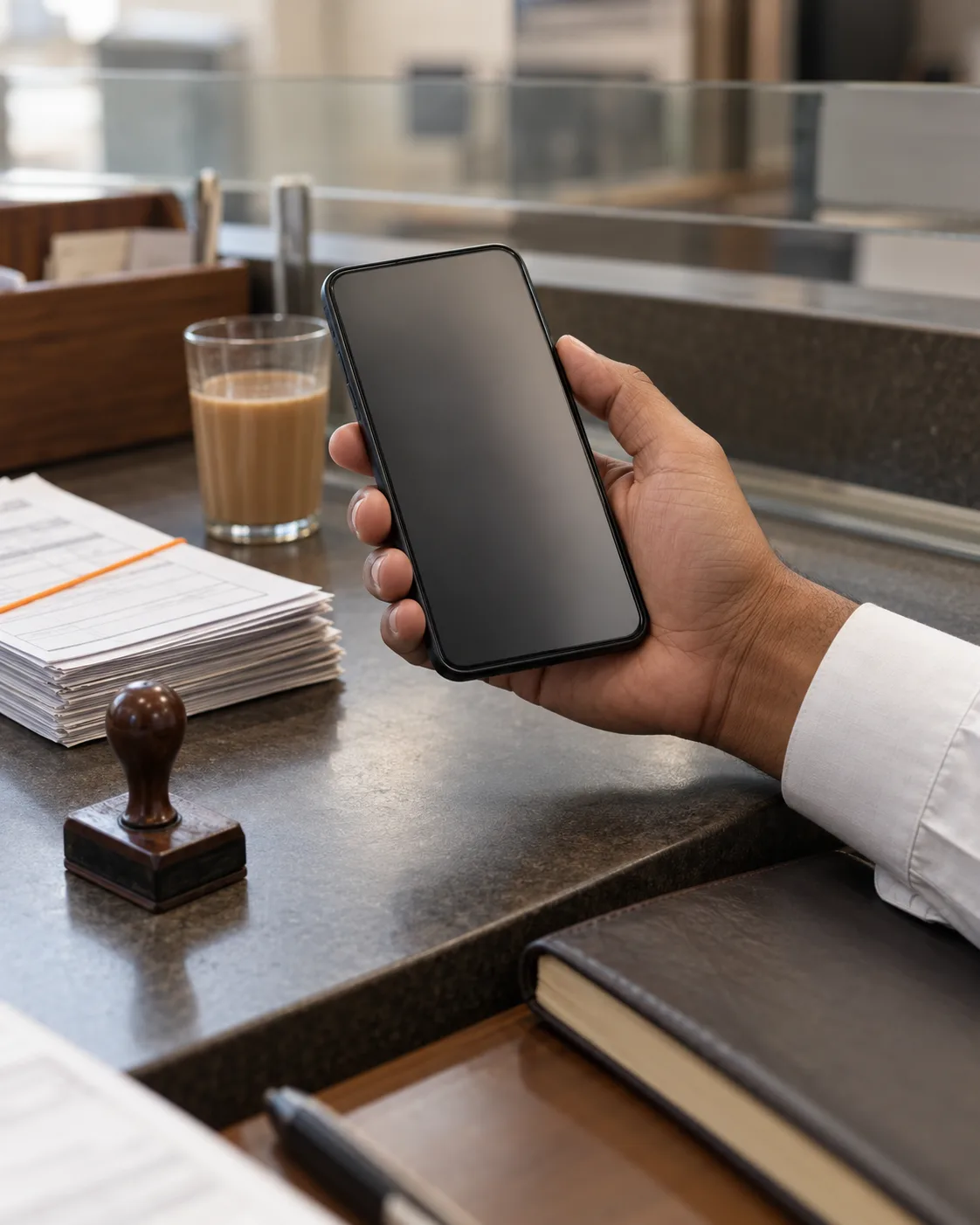
What changed once the devicehad to prove itself
Three consequences of moving the check from the password to the handset. None of them required rebuilding the mail server.
Linux left alone
The mail server kept running as it was: no re-platforming, no rebuild to accommodate the access layer.
Mobile under the same rules
Personal phones are governed by the posture policy that already governed company laptops.
One click to work
End users open the application from a list rather than dialling a tunnel and finding their way.
“To ensure better compliance with banking guidelines, and provide better secure access for our mail servers, we adopted InstaSafe, and it has lived up to our expectations so far. The ease of use and flexibility with which we can manage and deploy its solutions as we scale up is one of the major reasons why we use InstaSafe”
Seven more stories, filtered by sector and by the problem they started with.
All customer stories//Ready when you are//
Open one application to an outside team.
A 30-minute walkthrough on your own third-party access problem: who gets in, on what device, and what they can reach after that.
Regulated, air-gapped, or on-premise? See deployment options